
SFMB - Main Menus
An overview of the main menus available from the SFMB title screen.
- About the Main Menus
- Play Menus
- Account & Community Menus
- Other Title Screen Controls
- Related Guides
About the Main Menus
The title screen is the main hub of SFMB. Four large buttons provide different ways to play stages: Stage Pack, Single Stage, Stage World, and Challenge. The icon bar above them provides account, community, collection, and game controls.
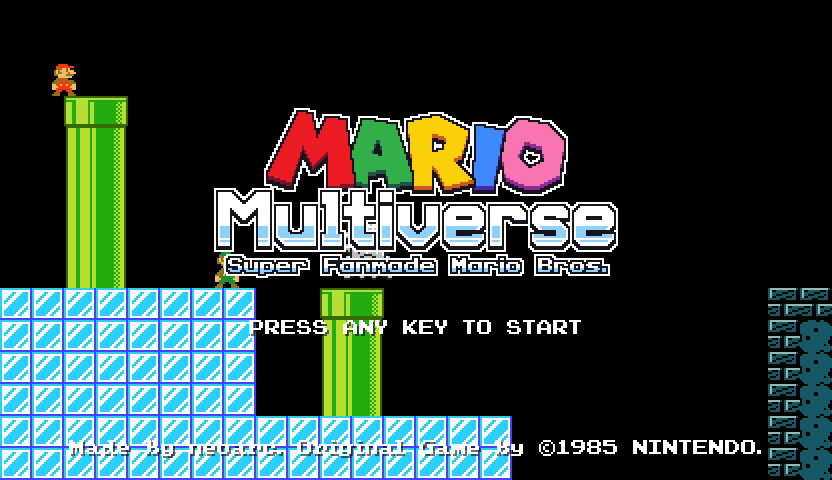
Press any key on the start screen to open the main menu.
Play Menus
The following menus provide different ways to select and play stages. They are grouped here as play menus rather than separate game modes.
Stage Pack
Stage Pack plays a collection of local stages as a connected game. Each pack defines its starting stage and may require additional Game Themes. Local profiles retain the player's progress through a pack.
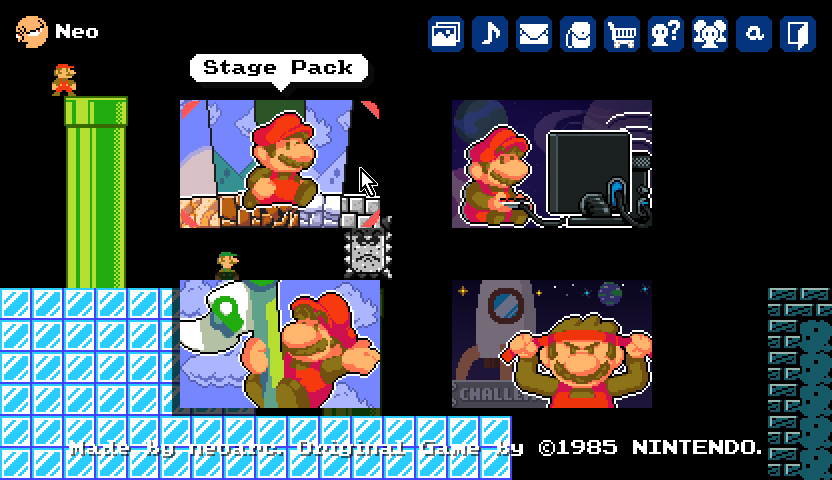
See [[sfmb_stage_packs]]{Stage Pack Guide} for starting and continuing packs, saved progress, required Game Themes, and the packs included in the current beta.
Single Stage
Single Stage plays an individual stage saved in the game's local map folders. It is mainly used for playing locally created or manually placed stage files.
Stages downloaded through Stage World cannot be played from the Single Stage menu. The game excludes its Stage World download folder from the list shown here.
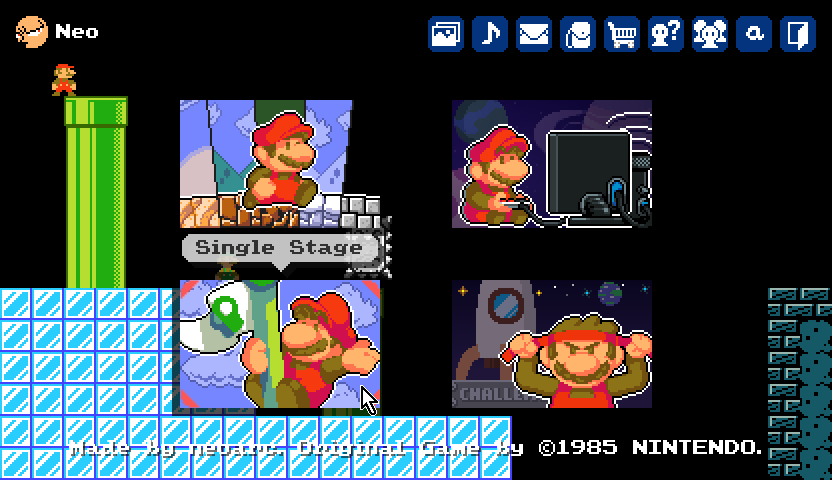
See [[sfmb_single_stage]]{Single Stage Guide} for supported local map locations, excluded folders, required Game Themes, and local clear records.
Stage World
Stage World is SFMB's online stage-sharing area. Beta testers can browse, search, play, and interact with stages uploaded by members of the community.
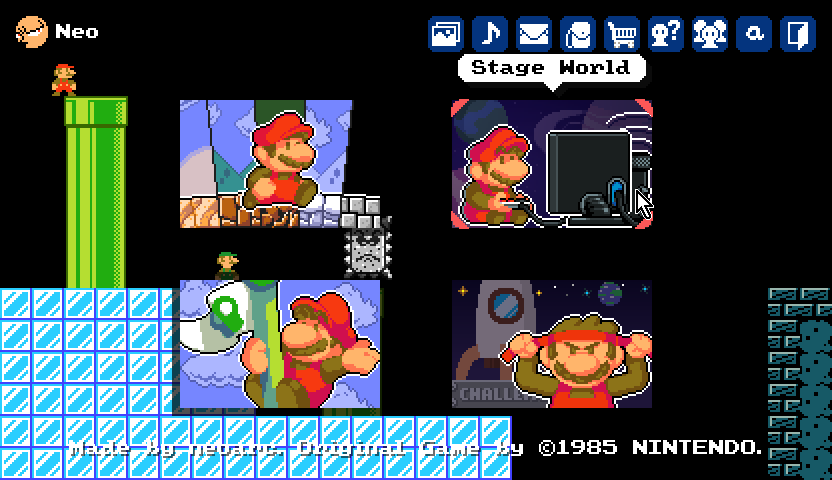
See [[sfmb_stage_world]]{Stage World Guide} for searching, sorting, filtering, stage details, and download and play behavior.
Challenge
Challenge plays a shuffled sequence of community stages selected for the chosen difficulty. Before starting, the player selects a difficulty and one of five life settings: Default, 20, 50, Infinite, or Hardcore.
During a run, the menu tracks clears, remaining lives, and skips. Challenge also includes bonus stages and separate leaderboards for its difficulty and life settings.
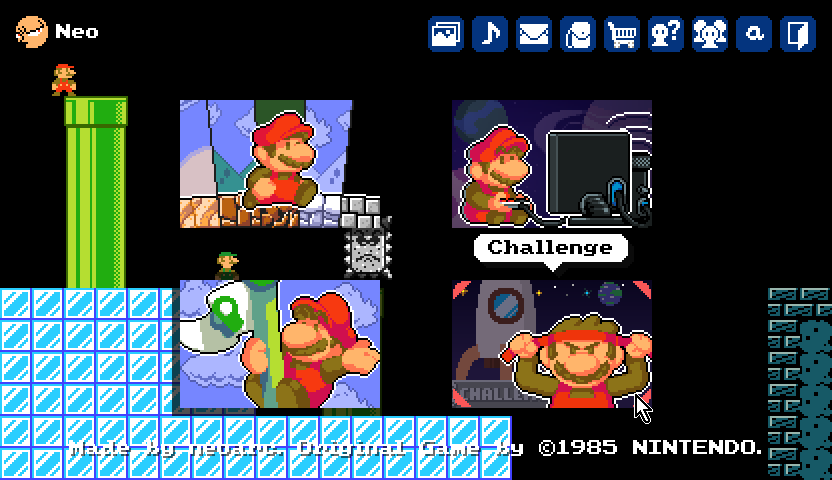
See [[sfmb_challenge]]{Challenge Guide} for stage selection, life settings, skips, rewards, bonus stages, and leaderboards.
Account & Community Menus
Profile
The Profile menu primarily shows the user's account information and gameplay statistics. The overview includes the user's name, country, ID, EXP, NeoCoin balance, and statistics such as:
- Game and Map Editor logins
- Enemies killed and player deaths
- Fireballs thrown and coins collected
- Stage World stages downloaded, cleared, liked, commented on, and rated
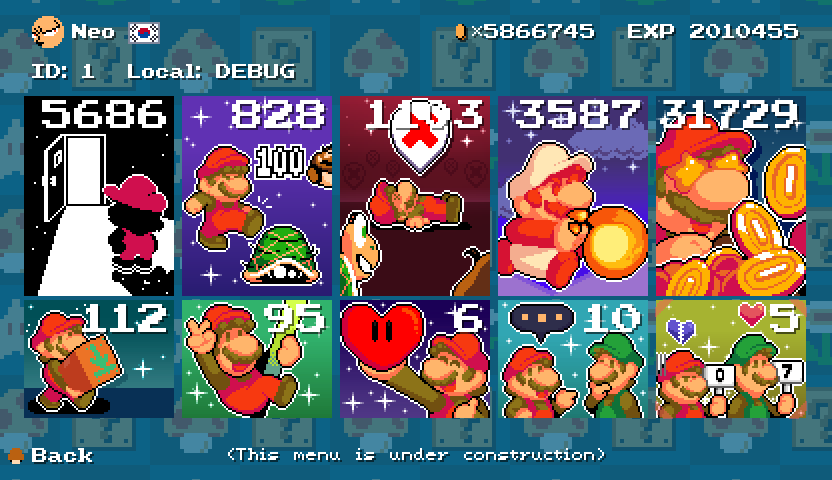
Some statistics can be selected to open a more detailed breakdown or a list of related stages. The menu also provides access to avatar editing, country and name settings, and local profile selection.
TODO
Avatar Painter
The avatar button opens the in-game avatar painter, where a player can create or update the avatar associated with their account.
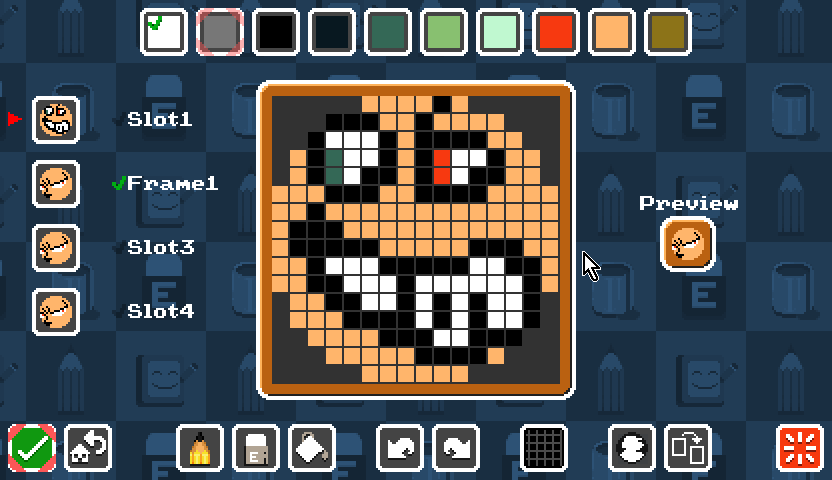
TODO
Inbox
The Inbox shows notifications related to the user's account and Stage World activity. Current notification types include:
- Another user liking one of your stages
- Another user earning the first clear on one of your stages
- A stage rating being assigned
- A stage being deleted
- Your in-game name being changed
- NeoCoin being granted to your account
TODO
Inventory
The Inventory shows the items owned by the user's account.
TODO
Shop
The Shop allows users to spend NeoCoin on account items. The available catalog may depend on the user's community roles. An item cannot be purchased when the user lacks enough NeoCoin or already owns its maximum allowed quantity.
TODO
Gallery
The Gallery button currently opens the Game Theme Gallery directly. It allows users to browse theme information, preview a theme, and download, update, or remove its files when available.
A separate User Gallery has been planned but is not yet implemented.
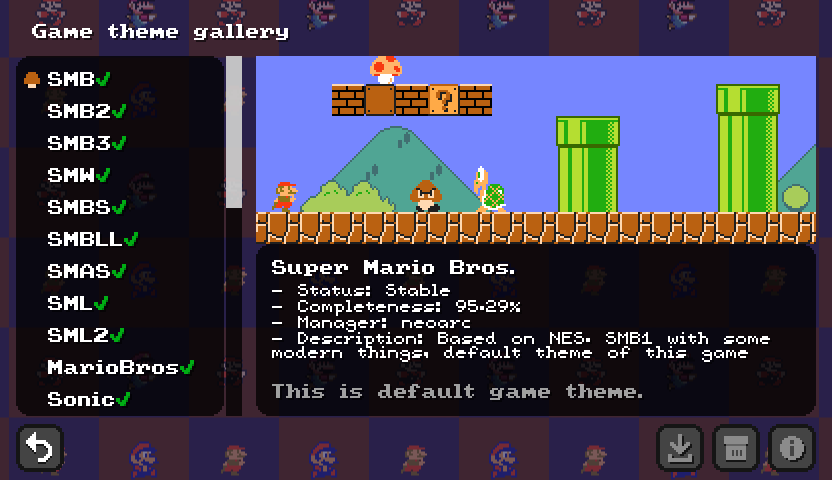
TODO
User List
The User List is an experimental visualization of SFMB users. It displays user avatars as moving bubbles and includes a name search that highlights matching users. The menu itself is currently marked as under construction.

TODO
Other Title Screen Controls
Alternative BGM
This button appears when the account owns the Alternative BGM inventory item. It switches supported music between original and alternative BGM modes and saves the selected mode in the game configuration.
TODO
Credits
Credits shows information about the people and resources involved in the project.
TODO
Exit
Exit closes the game.
Related Guides
- [[sfmb_getting_started]]{Getting Started} — How to install, launch, update, and configure SFMB.
- [[sfmb_stage_packs]]{Stage Pack Guide} — How Stage Packs work and which packs are included in the beta.
- [[sfmb_single_stage]]{Single Stage Guide} — How to find and play local map files.
- [[sfmb_stage_world]]{Stage World Guide} — How to find, inspect, and play community stages.
- [[sfmb_challenge]]{Challenge Guide} — How Challenge runs, lives, skips, rewards, and leaderboards work.
- [[sfmb_mapeditor_guide]]{Map Editor Guide} — How to create stages.
- [[sfmb_level_difficulty]]{Level Difficulty} — How uploaded stages receive a difficulty level.
- [[sfmb_stage_rating]]{Stage Rating} — How Stage Moderators evaluate stages.
- [[sfmb_stage_contests]]{Stage Contests} — Community contests and their winning levels.